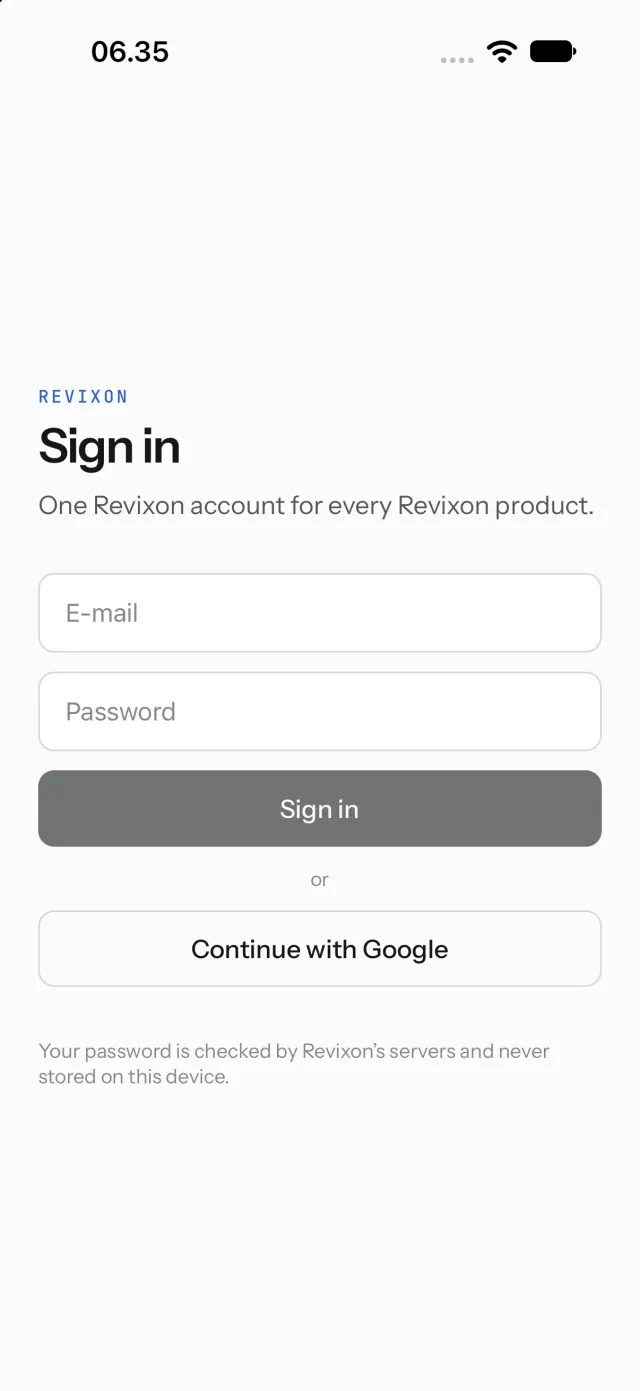
Sign in securely
Your Revixon ID with password, passkey or Google, a Face ID lock on the app, and a fresh second factor before high-risk actions.

Revixon Mobile · closed test
Revixon Mobile is the phone view of Revixon Control Tower. Sign in, see your organization and its agents, and decide what needs a person, wherever you are. It runs against the real Control Tower, not a demo.
In the test build
What you may decide and run depends on your role in the organization (owner, admin or member). The server decides, never the app.
Before you ask
By invitation
Send your name and the e-mail address of your Apple ID through the form, or to info@revixon.com.
Testers are invited one by one: to the test in TestFlight, and to your organization in Control Tower if you are not a member yet.
Accept the TestFlight invitation on your iPhone, install Revixon Mobile and sign in with your Revixon ID.
Tell us your name and the e-mail of your Apple ID. We reply from a real inbox.